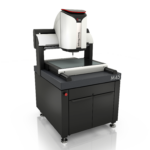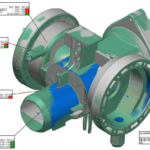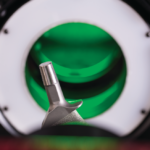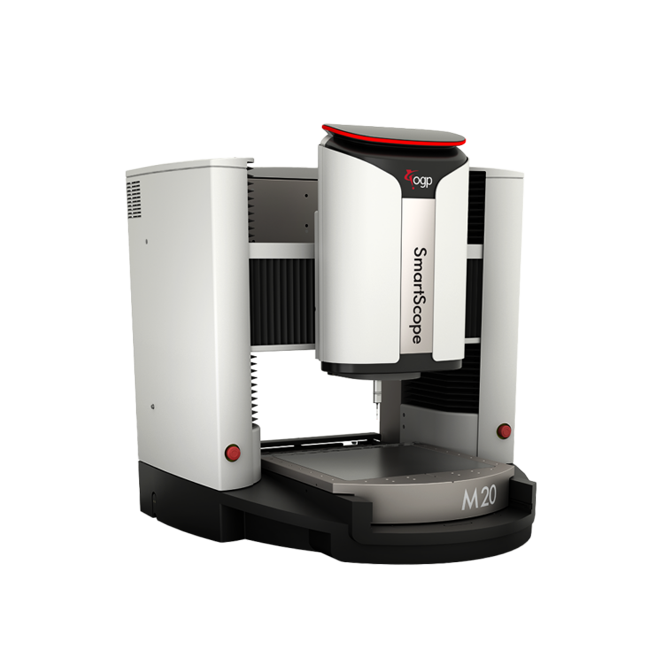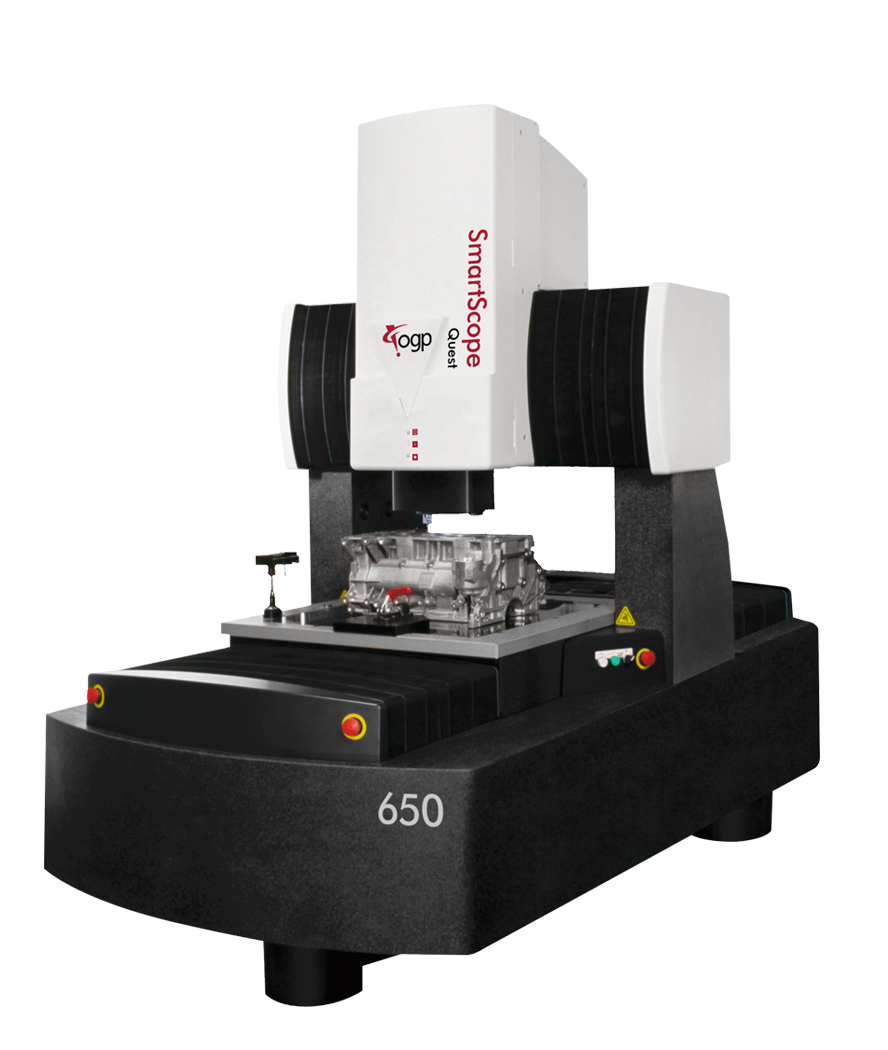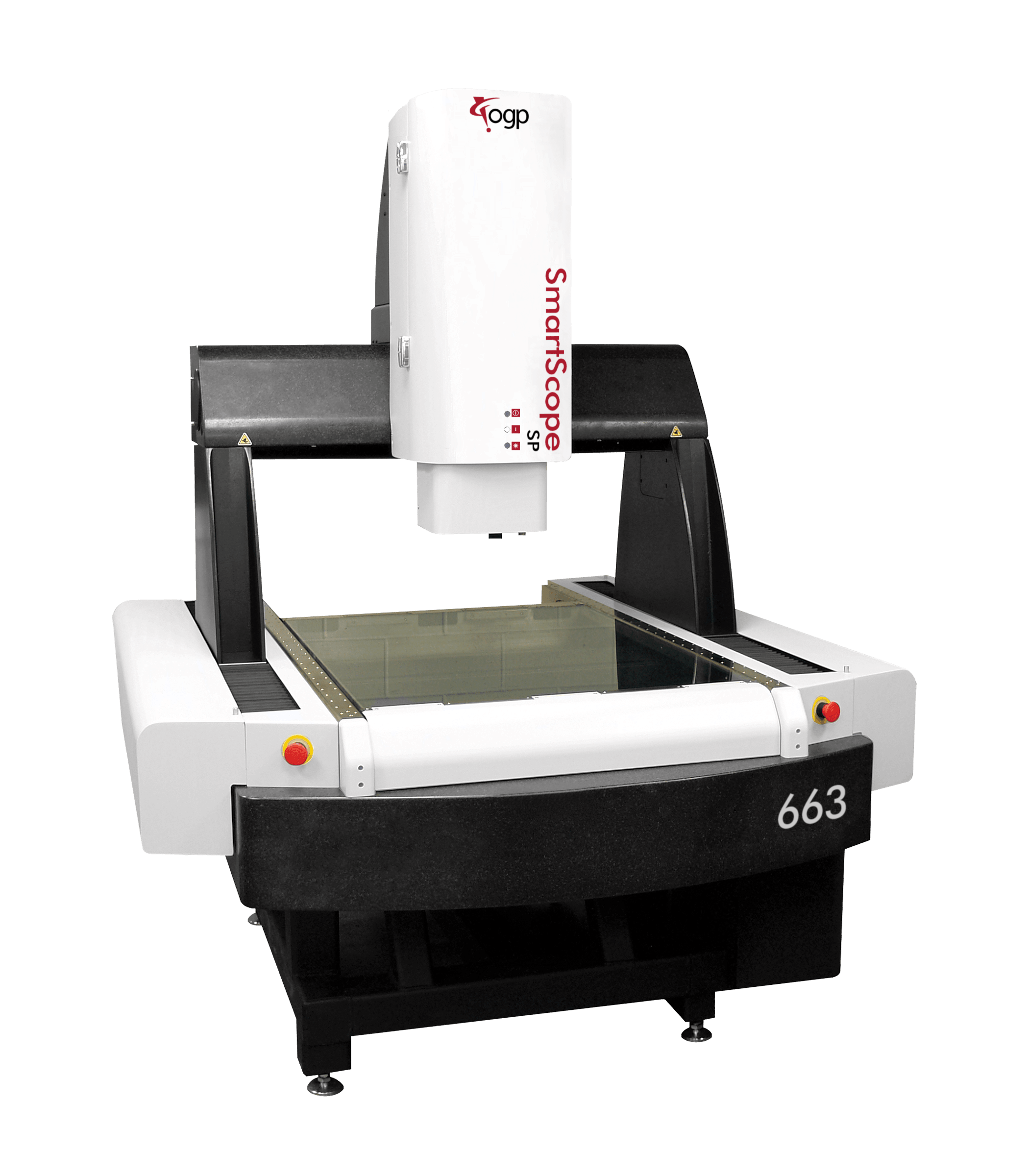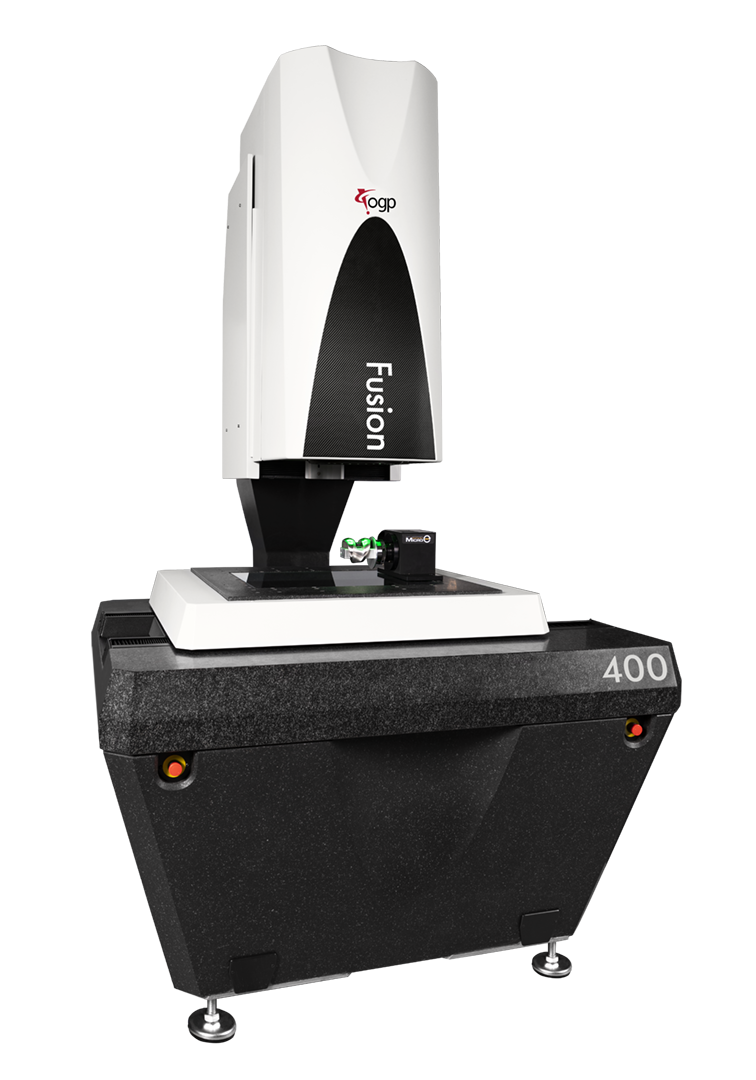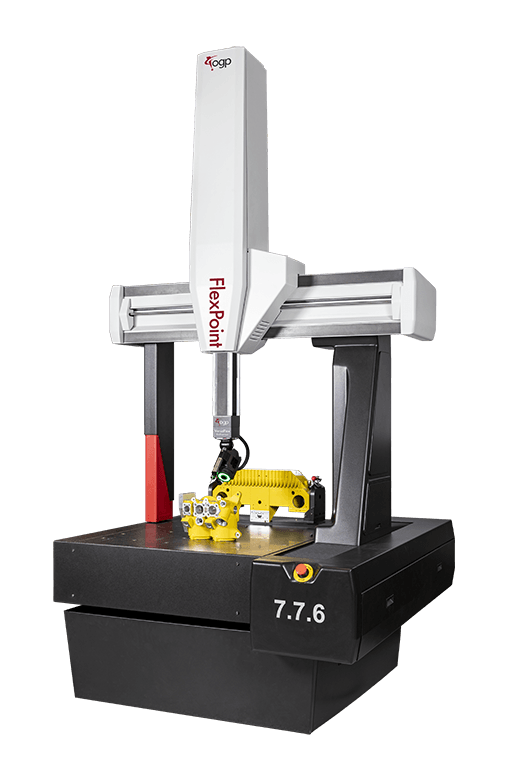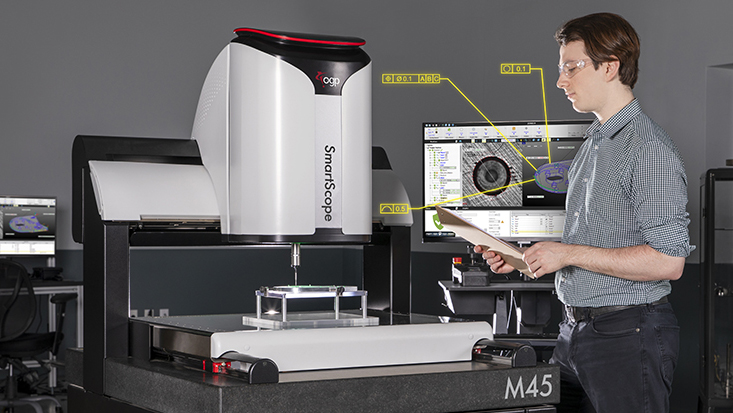

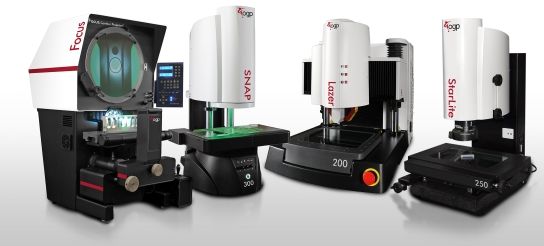
ZONE3 Metrology Software is the world’s most advanced true 3D CAD-based metrology software. ZONE3 works seamlessly with OGP multisensor measurement systems and provides faster, easier, and more productive measurements. The software interface is intuitive and clearly displays relationships between parts, sensors, datum alignments, and machine accessories.
ZONE3 is rich with intelligent features to automatically and effortlessly identify parts, find key features, and generate measurement routines. ZONE3 easily allows operators the ability to program quickly and inspect efficiently.
Here are some of the newest features in the Version 16 release of ZONE3.
Optical Character Recognition (OCR)
Optical Character Recognition, or OCR, converts images of text – such as scanned documents, PDFs, or photos – into editable, searchable, and machine-readable digital text.
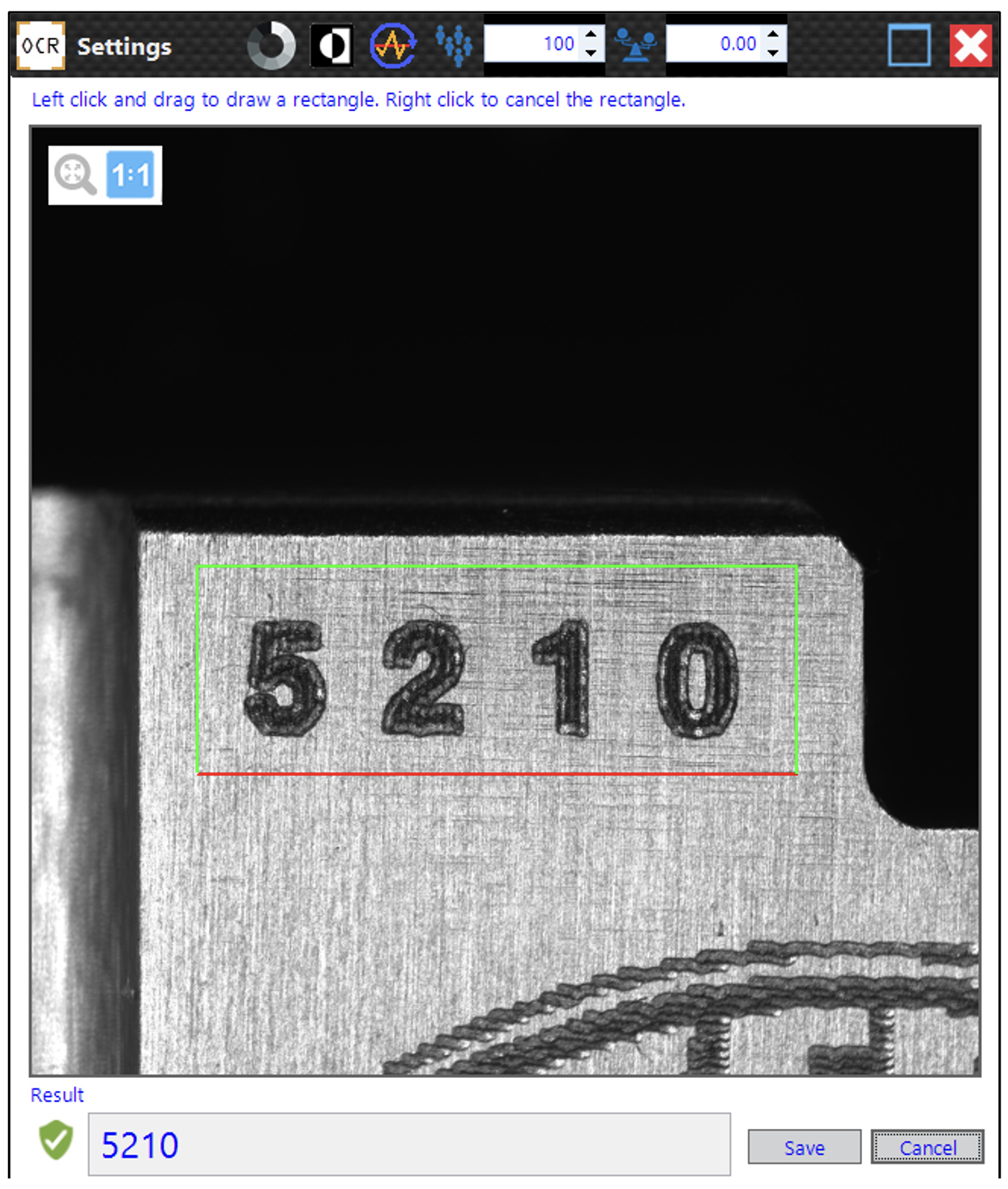
In ZONE3 Version 16, a new OCR step allows text to be read from images. These images can be from current Acquire Image steps in the project or previously saved images loaded into ZONE3. The whole image can be analyzed, or a subset of the image can be specified within the OCR step. The OCR content read from the image can be sent to the results or accessed via variable.
Reporting of Stitched Images
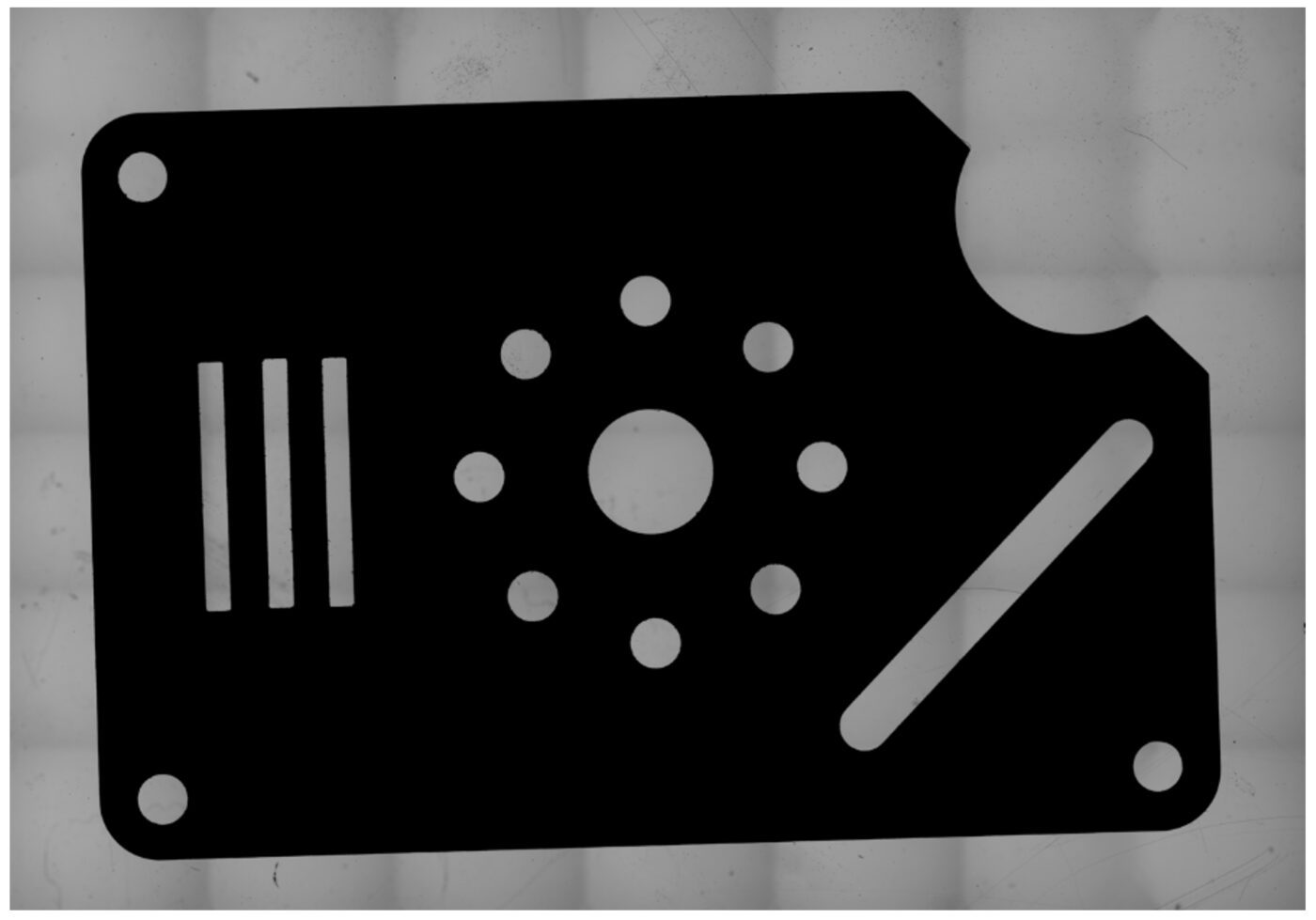
Stitching images is a convenient way to see and report on features of large parts.
A new Multi Grab image type has been added to acquire and report images larger than the field-of-view. This can be done by either defining a rectangular area or scanning the entire stage. The latter is intended for large field-of-view systems Fusion and SNAP. These stitched images can be sent to the results browser and/or to a specified file location. Multi Grab images can also be referenced in the new OCR and Barcode steps.
Barcode / QR Code Reading
Like OCR, the ability to read a barcode or QR code in your metrology software helps ensure high-accuracy, assists in real-time data entry, helps reduce human error and significantly increases operational speed.
A new Barcode step allows the reading of barcodes, QR codes, data matrix, etc. from images.
These images can be from current Acquire Image steps in the project or previously saved images loaded into ZONE3. The whole image can be analyzed, or a subset of the image can be specified within the Barcode step. The Barcode content read from the image can be sent to the results or accessed via variable.
New ICE Compensation for Improved Area Multi-Focus Performance
Area Multi-Focus uses optical focus to create an array of 3D data points that can be used in constructions or feature definitions.
New variable attributes are available to adjust Area Multi-Focus parameters for Step Size, Backoff, Columns, Rows, Patch Height and Patch Width. These attributes result in improved AMF performance.
Additionally, a new Reset control has been added to the Area Multi-Focus properties page to recalculate the default backoff distance and step size, based on the current magnification and lighting – making this helpful feature more intuitive to control.
Additional New Features
ZONE3 Version 16 includes a significant amount of new features and capabilities to make 3D multisensor measurement easier and more effective, including:
- New report customization
- Additional filtering methods
- Embedded video instructions
- ISO 14405 Size Characteristics
- …And more
Visit the ZONE3 New Features Guide page to download the complete list of improvements and enhancements.